Available now
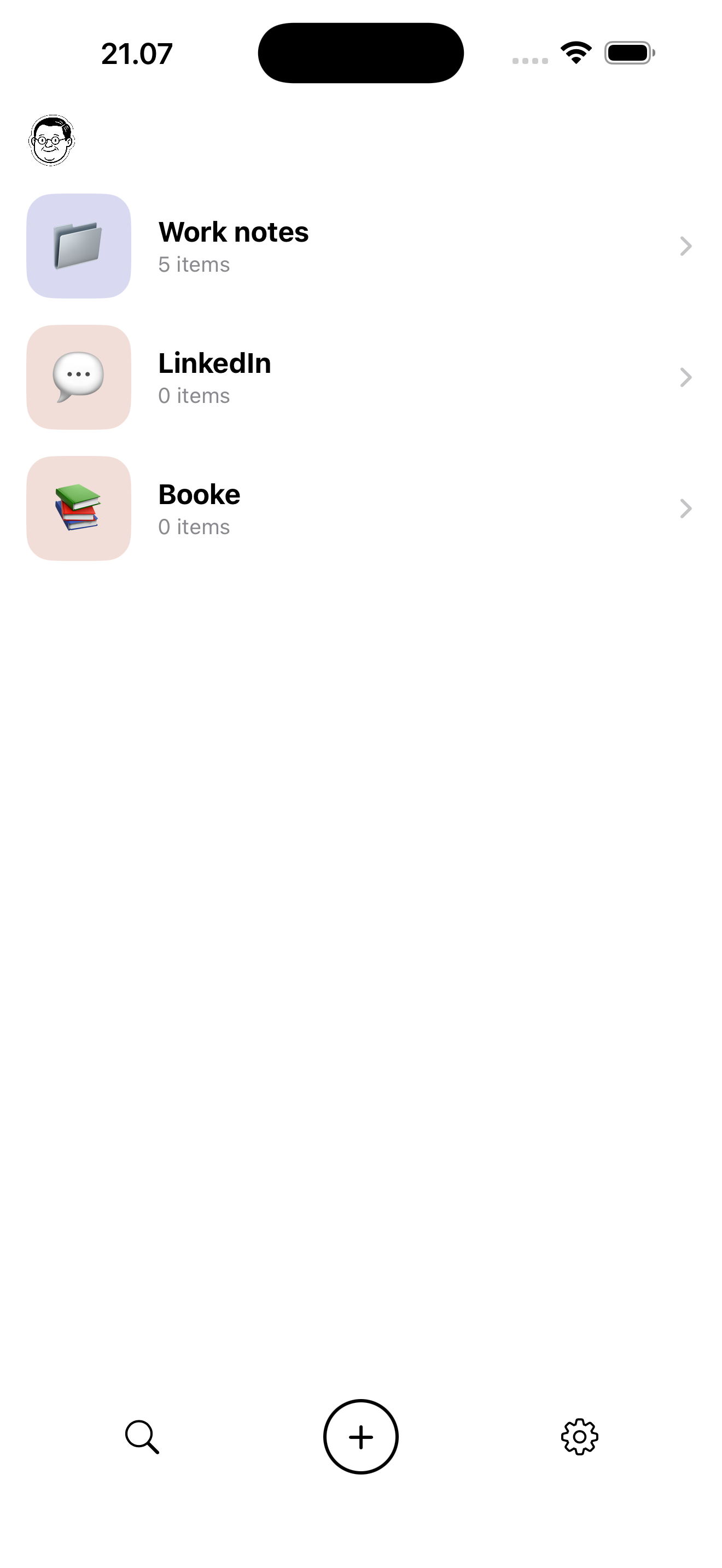
Knud for iPhone
Share screenshots from any app. Knud reads, organises, and files them — instantly.
Download on the App Store →Share any image to Knud. He reads it, understands it, and files it in the right folder. Zero effort required.
Snap on your iPhone. Capture on your Mac. Knud handles the rest.
Share screenshots from any app. Knud reads, organises, and files them — instantly.
Download on the App Store →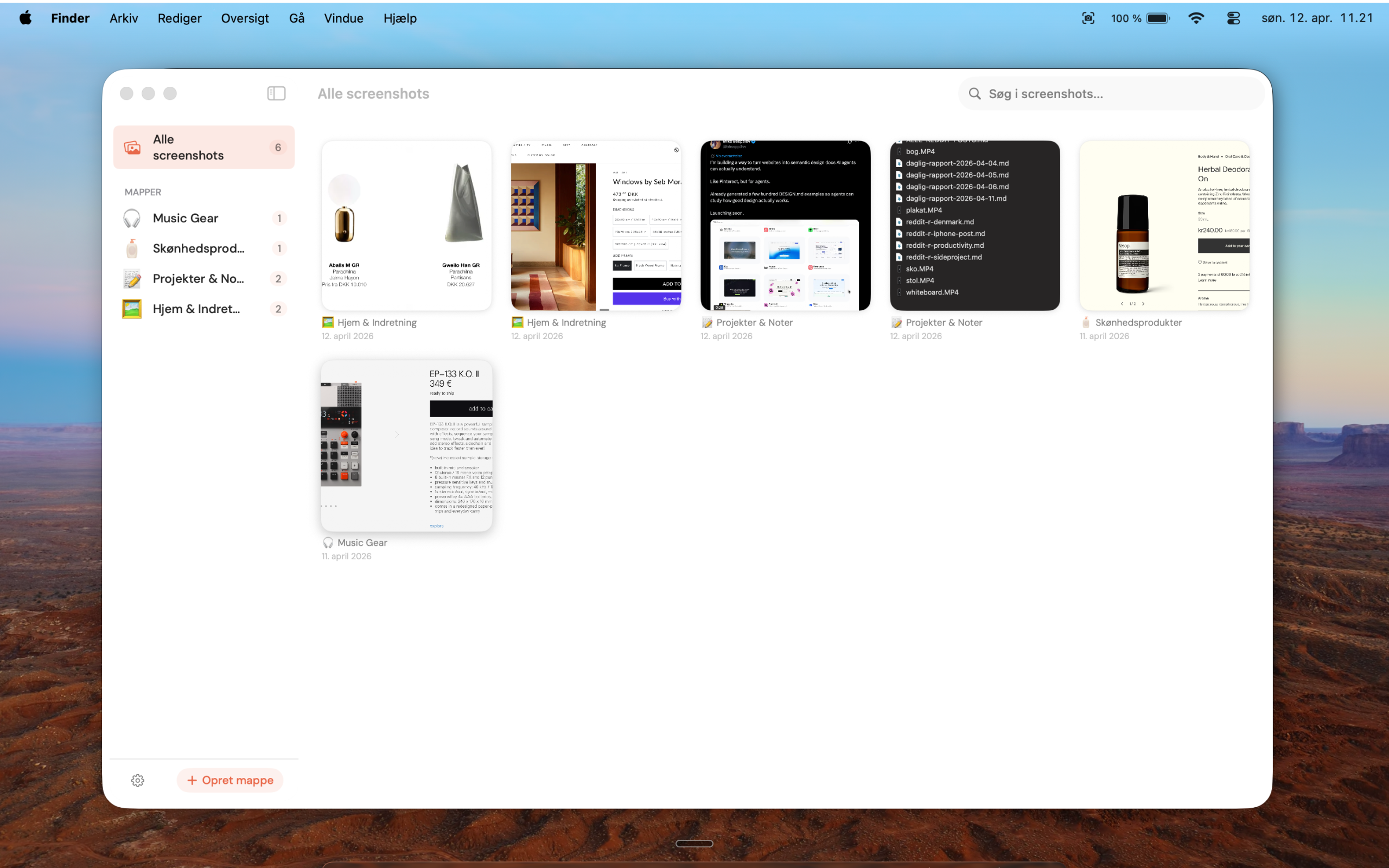
A menu bar app that captures a screenshot, reads it, and files it — without lifting a finger.
Download on the Mac App Store →Real messages from real users.
Obsessed with Knud — I went all in and bought your one-time offer :-)
I need this app! I've got something like 5,000 screenshots on my phone: places I want to visit, recipes I want to cook, or webshops I want to shop at.
Knud :) Tried it with 7 very different screenshots, and it placed them precisely into 7 different and correct categories. I was pretty impressed.
Brilliant — of course I need Knud 🤓
Knud! Such a great idea — I need this so badly in my life! 💡
Fantastic idea! I've been using the app for 2 weeks now, works really well 👌 Looking forward to following your new project.
Shared folders, real-time sync between iPhone and Mac, and AI that finds your screenshots for you.
Collaborate with friends, family, or your team. Send an invite via link, AirDrop, Mail, or Messages — everyone sees the same folder.
A folder on your phone shows up on your Mac. Drop a screenshot on one device, it lands on the other in seconds.
Tell Knud "find all my recipes" and he'll dig through your photo library and pull every match into the folder. Magic.
Plus everything else
No tagging, no naming, no sorting. Knud handles all of it.
Find anything by the actual text inside your screenshots.
Pull structured info from receipts, business cards, and more — into clean templates.
Knud remembers which page you were on when you took the screenshot. Safari, Chrome, Brave, Edge.
Drop any image from Finder straight into Knud. It files itself.
Processed on your device. No cloud uploads. No tracking. Ever.
Forward to Notion, Apple Notes, Mail, Messages, AirDrop — one tap.
Annotate, rename, and move screenshots between folders anytime.
Try Knud without commitment. Upgrade only when you're hooked.
Available now on iPhone and Mac.