Share any image to Knud. He reads it, understands it, and files it in the right folder. Zero effort required.
Other apps make you tag, name, and sort. Knud skips all of that. Just share any image—he reads it, gets it, and files it.
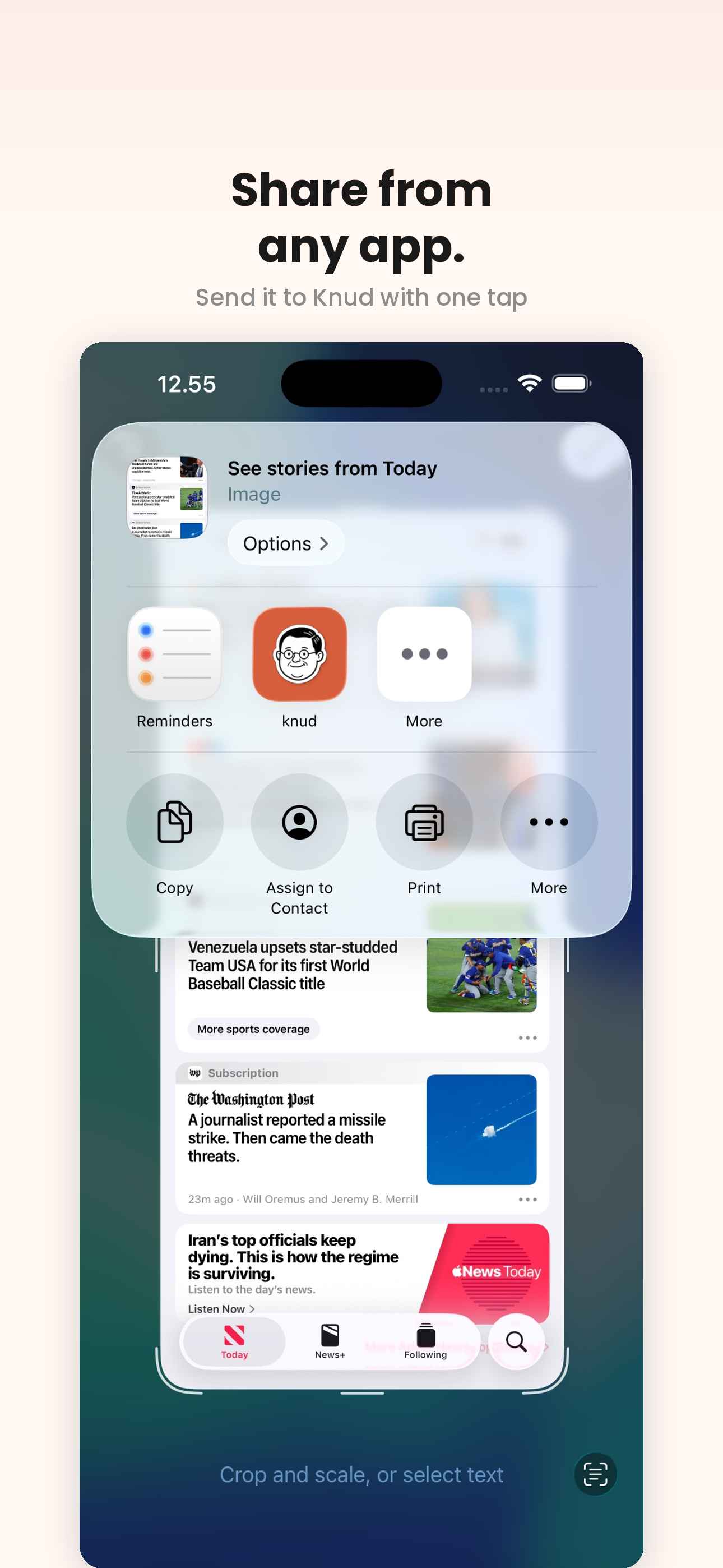
Take a screenshot. Tap Share and choose Knud from the list.
AI reads the image, extracts text, and generates a summary with tags – instantly.
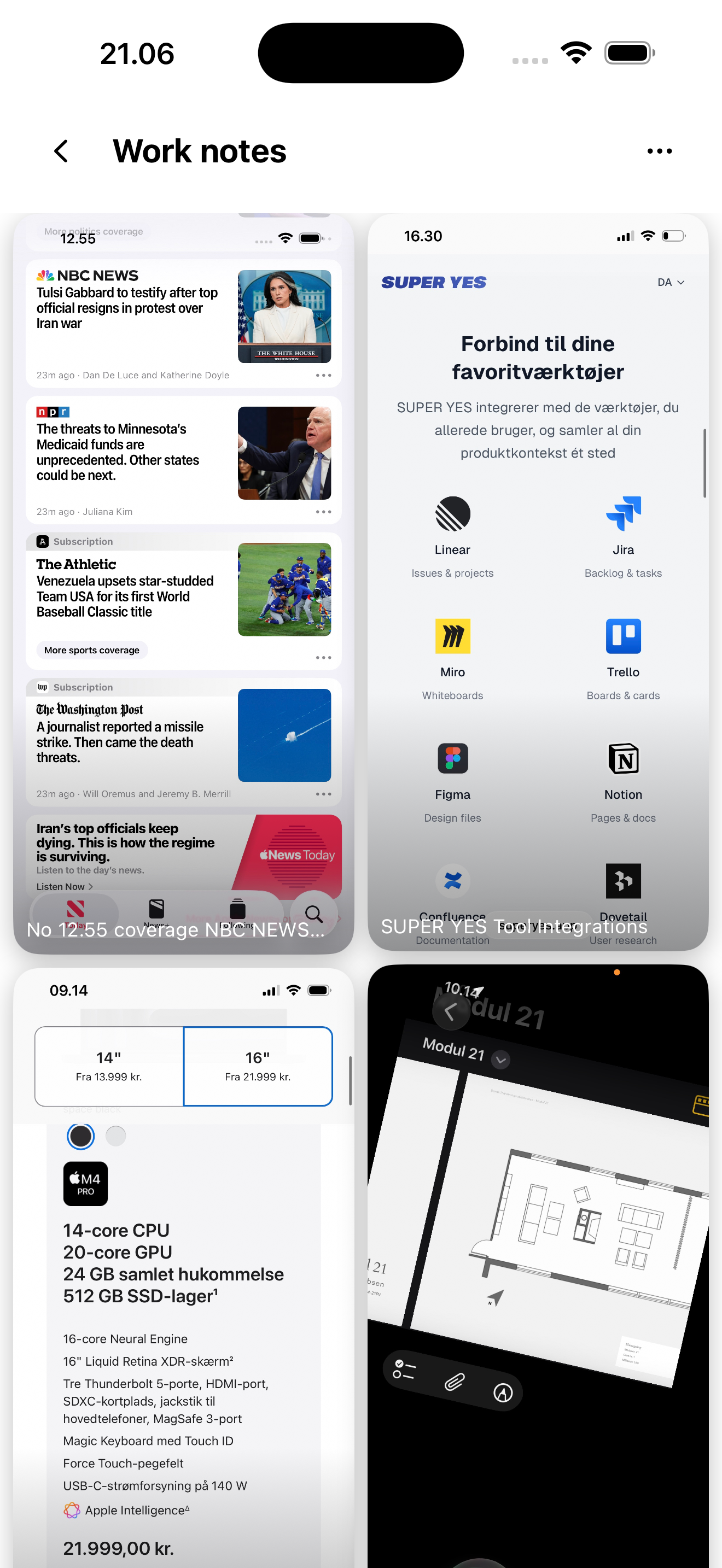
Knud creates or finds the right folder and puts it there. Done.
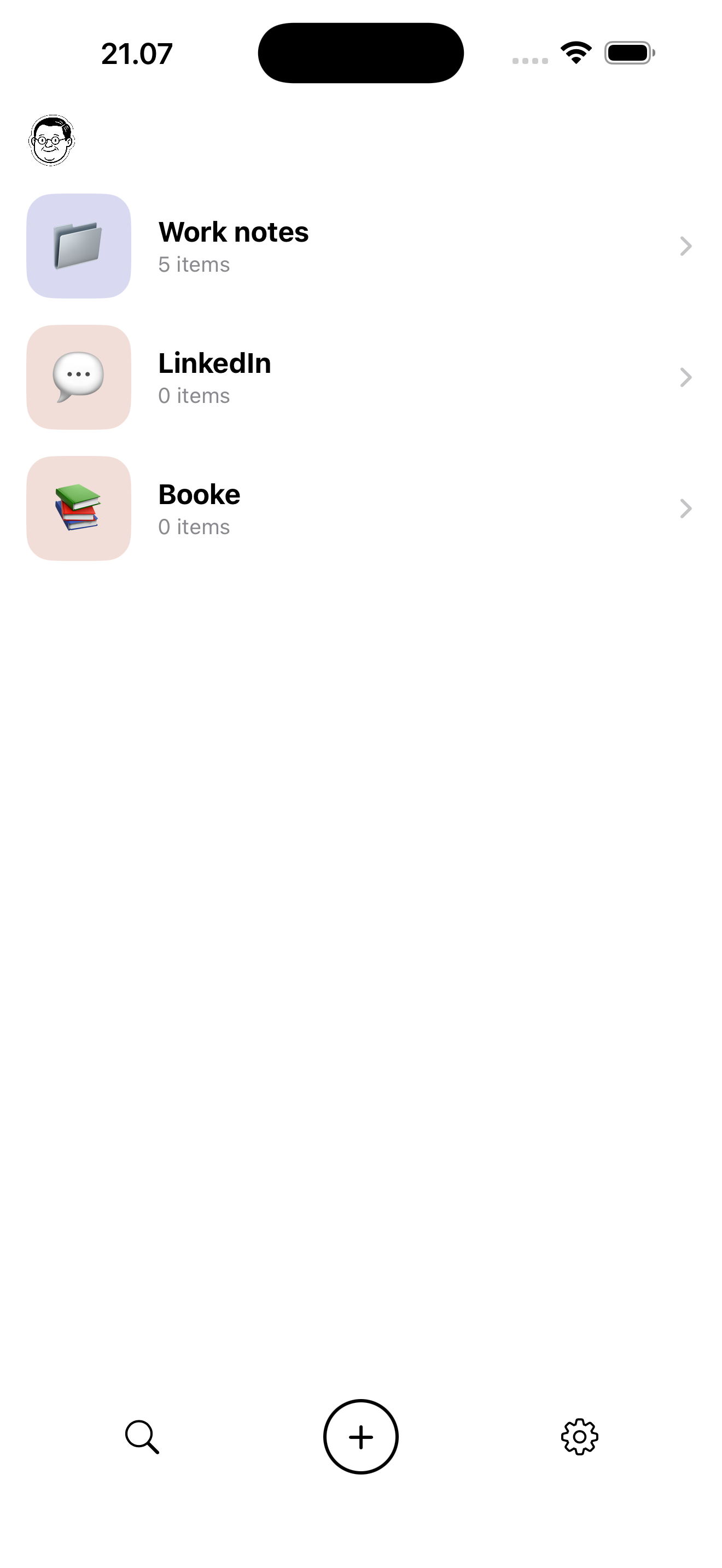
No tagging, no naming, no organising. Knud handles all of it.
Find anything by searching the actual text inside your screenshots.
Everything stays on your device. Sign in with Apple. No account needed.
Forward to Notion, Apple Notes, or anywhere else in one tap.
Follows your system. Looks great either way.
Annotate and move items between folders anytime.
Knud is available now on the App Store. Download him and let him take care of your screenshots.