No share sheets. No tagging. Knud sits in your menu bar and files every screenshot automatically.
Join the waitlist and be the first to try Knud for Mac.
Thanks! We'll let you know when Knud Mac launches.
Knud watches for new screenshots and handles everything automatically. No input needed.
Take a screenshot like you always do. ⌘⇧3, ⌘⇧4, or ⌘⇧5 — Knud catches it instantly.
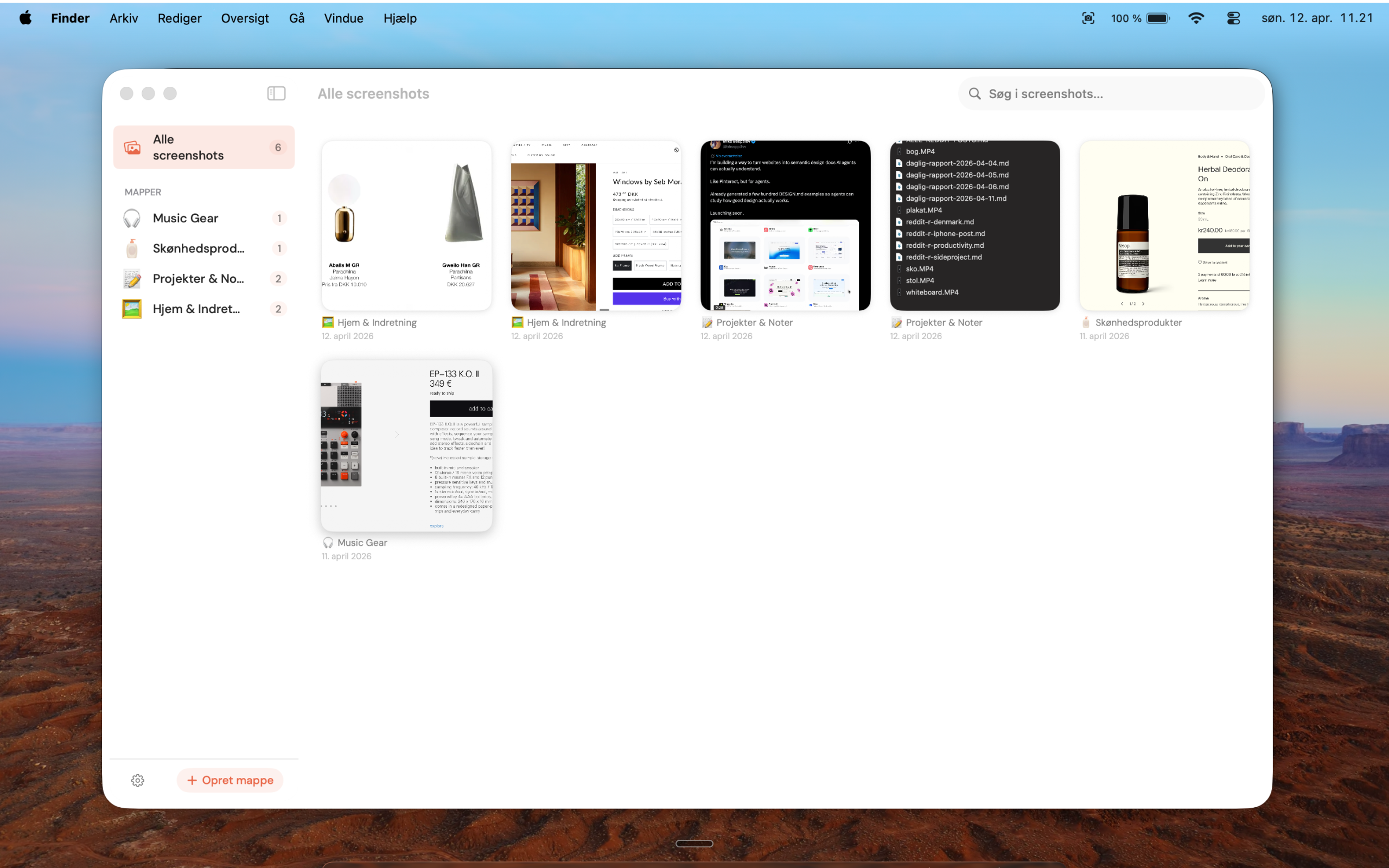
A small notification pops up. Knud has already read the image, extracted text, and figured out what it is.
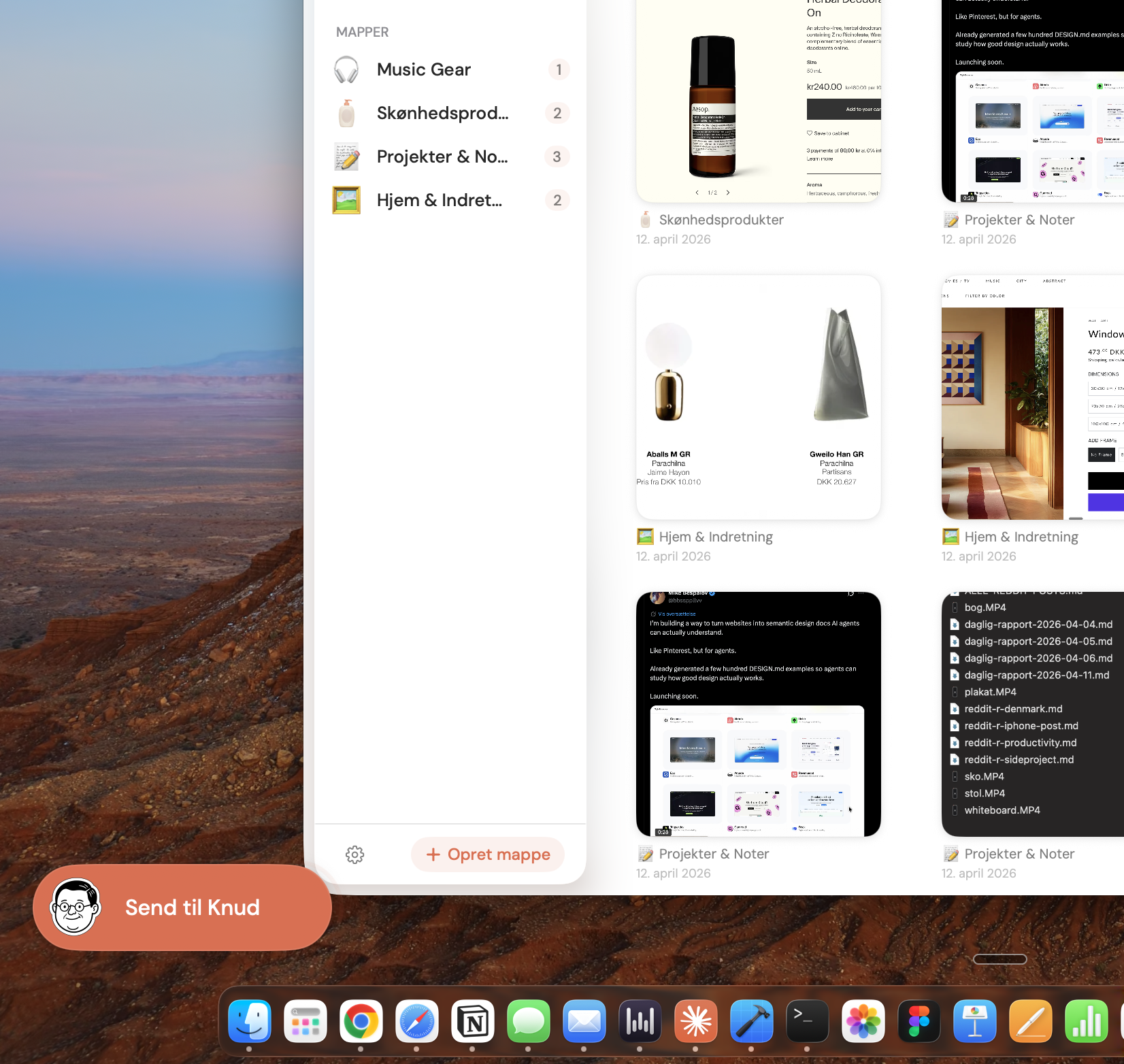
The screenshot lands in the right folder automatically. Searchable, tagged, and organised — without lifting a finger.
Lives in your menu bar. Always ready, never in the way.
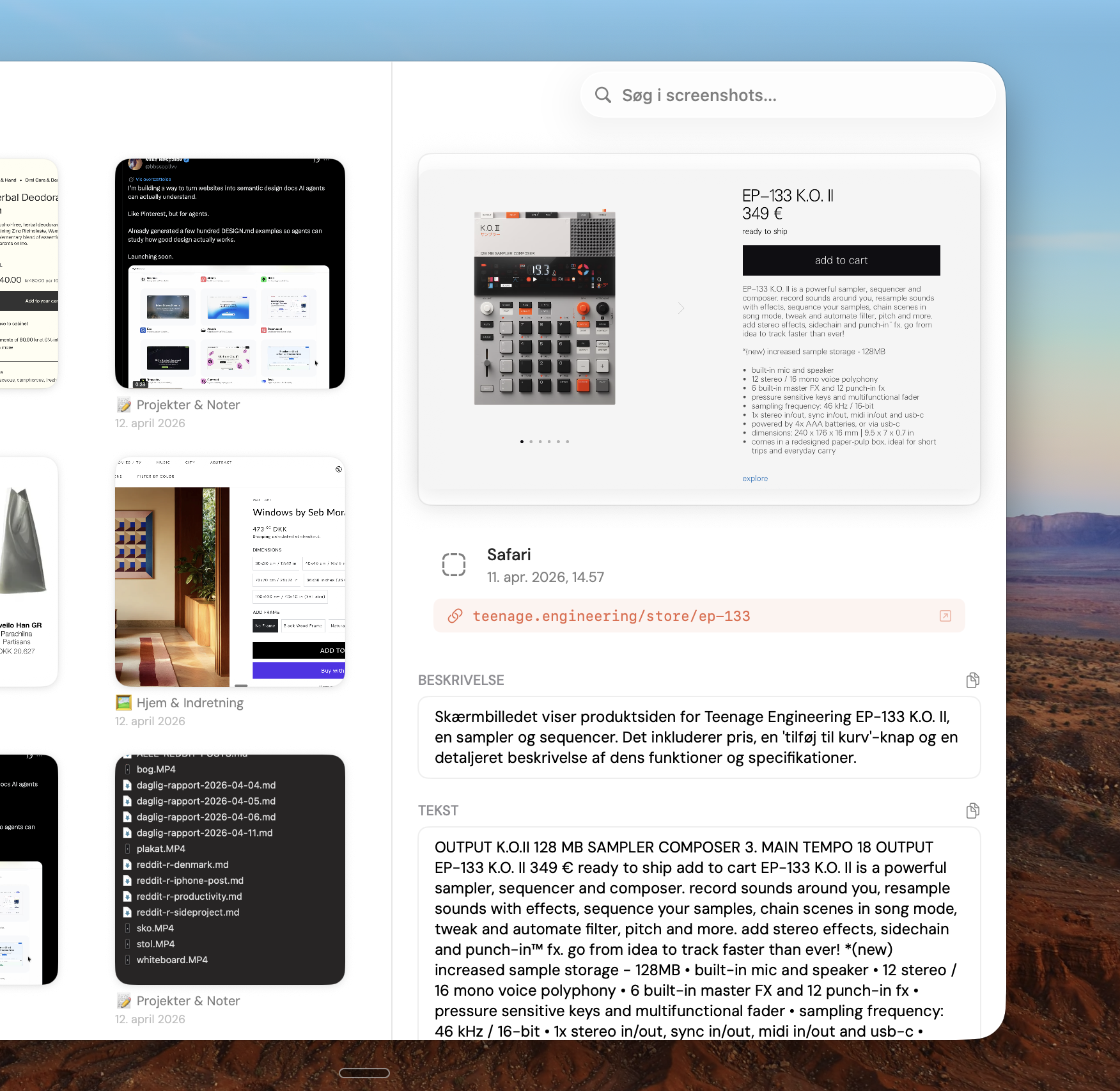
Saves the URL of the page you were on when you took the screenshot.
Reads text in your screenshots using on-device Apple Vision technology.
Everything stays on your Mac. No cloud uploads. No tracking.
Automatically creates and sorts into folders based on content.
Screenshots are processed the moment you take them. No waiting.
Knud for Mac is coming soon. Sign up and we'll let you know the moment it's ready.