Available on the App Store

Your screenshots,
finally
organised.

Share any image to Knud. He reads it, understands it, and files it in the right folder. Zero effort required.

Download on the App Store See how it works ↓
Zero effort.
SEND IT TO KNUD · SEND IT TO KNUD ·
📂
iOS App
Available now

Three taps.
Zero thinking.

Other apps make you tag, name, and sort. Knud skips all of that. Just share any image—he reads it, gets it, and files it.

01

Share

Take a screenshot. Tap Share and choose Knud from the list.
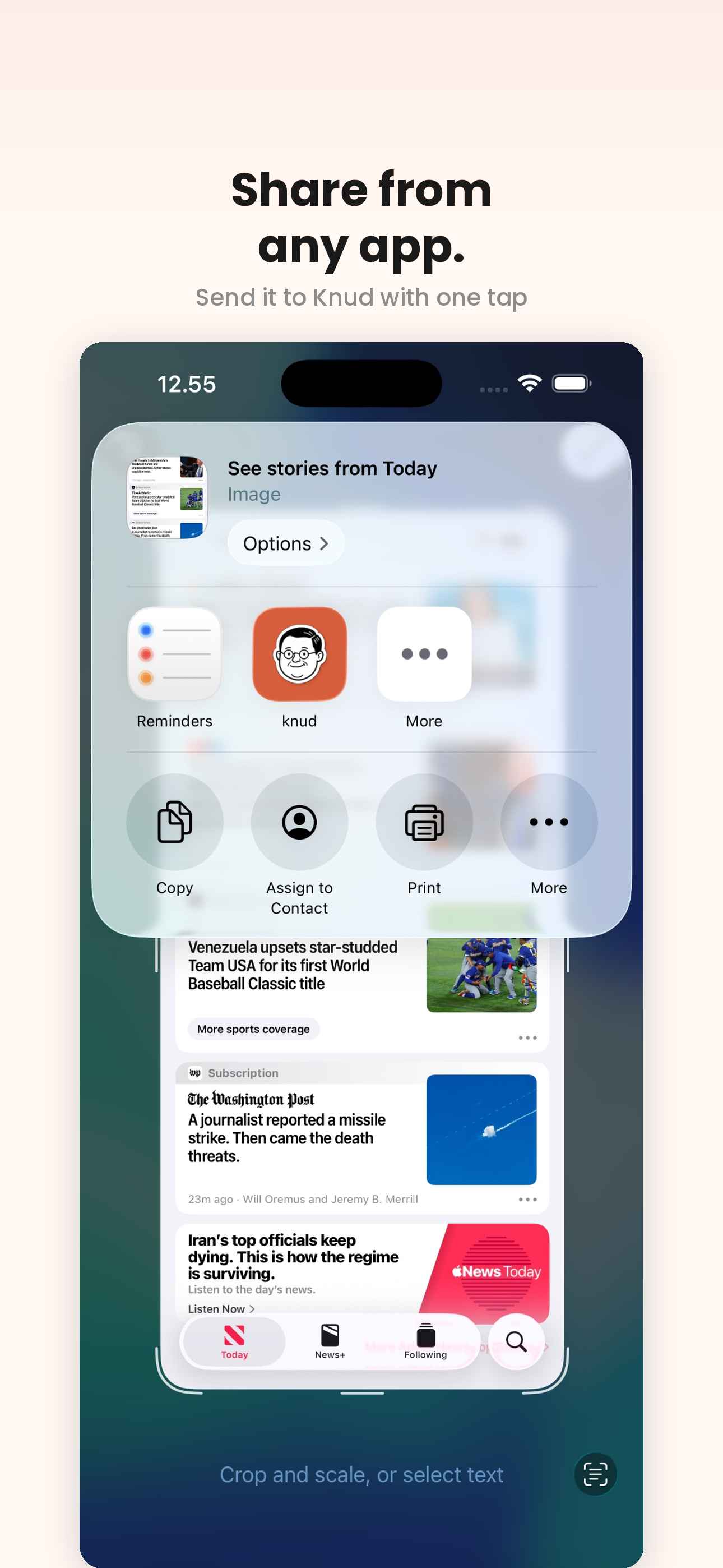
iOS share sheet with Knud selected
02

Knud reads it

AI reads the image, extracts text, and generates a summary with tags – instantly.
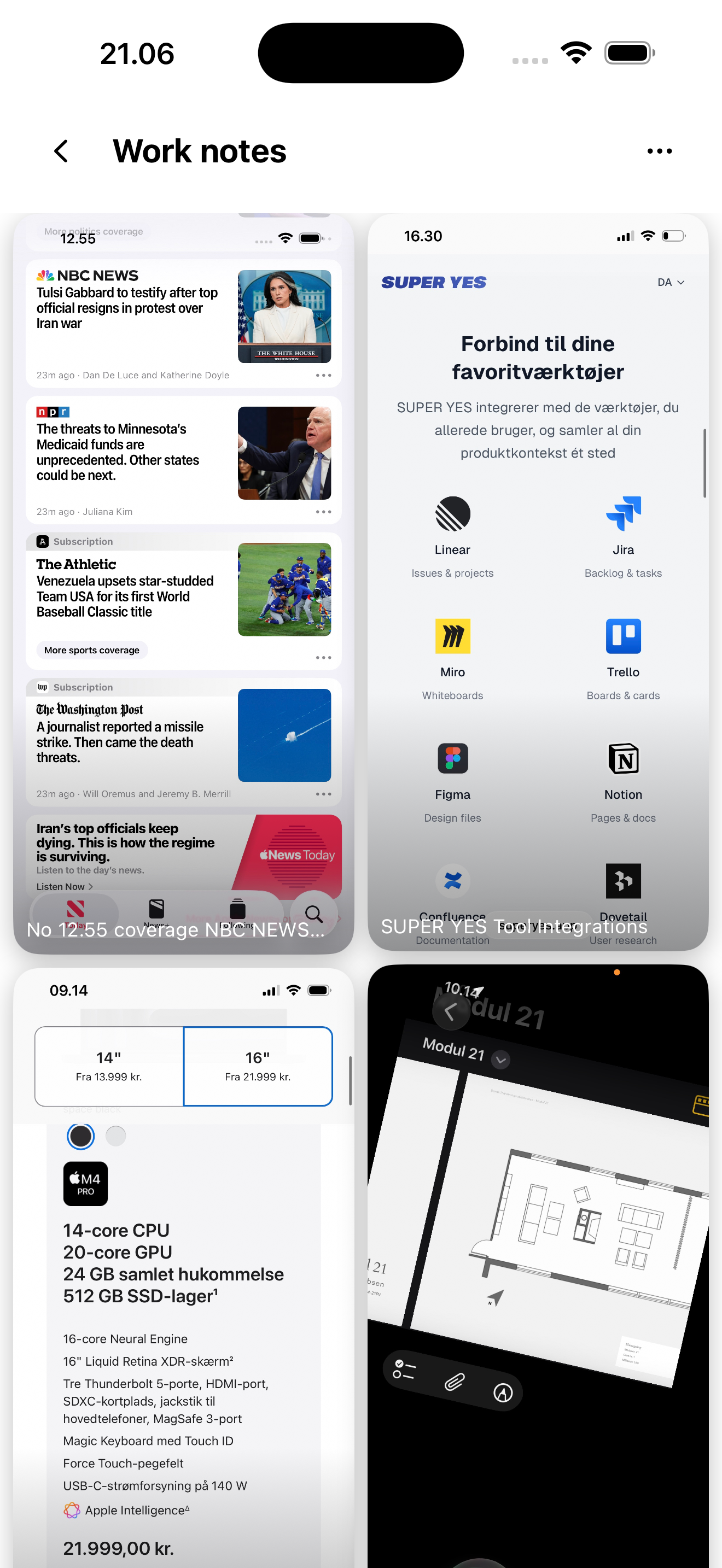
Knud detail view showing AI summary
03

Filed away

Knud creates or finds the right folder and puts it there. Done.
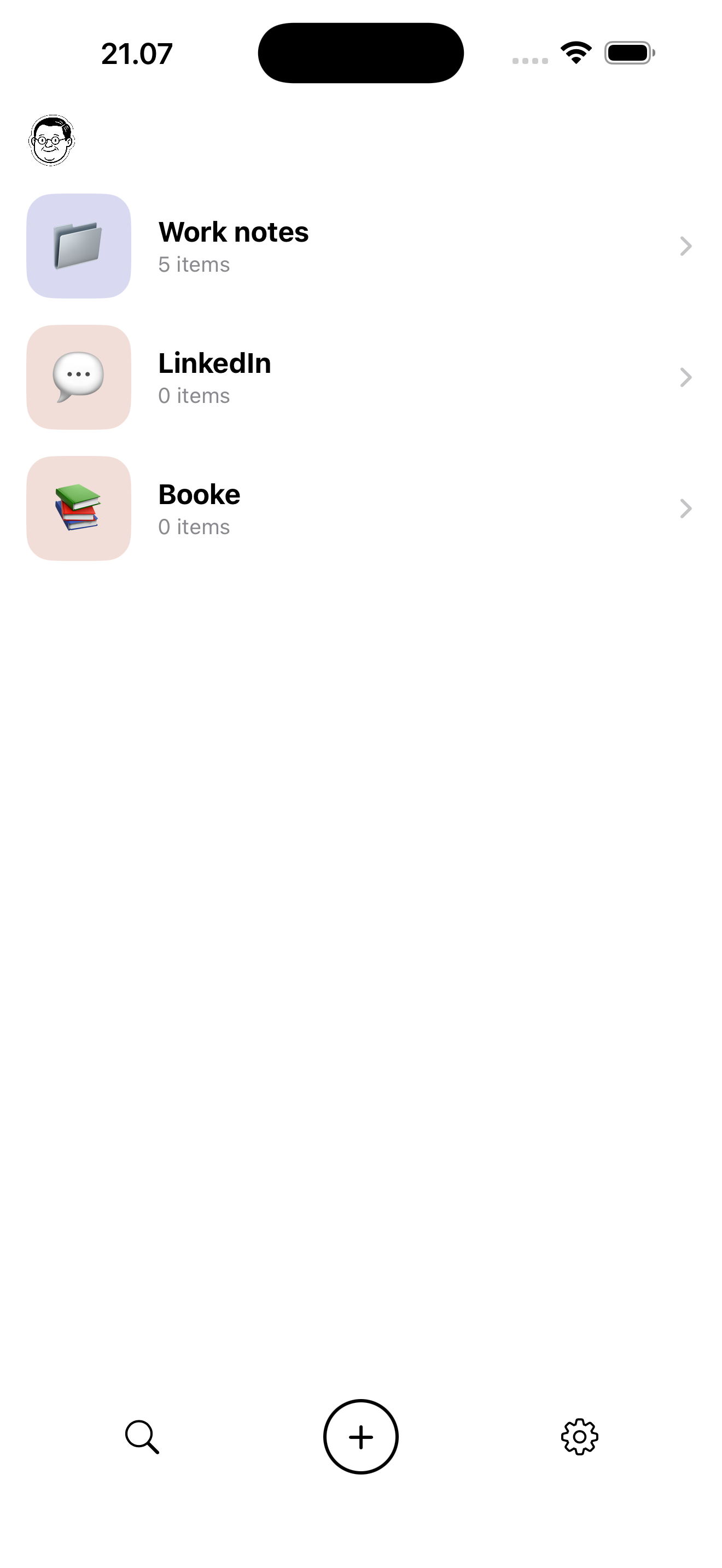
Knud folders view with organized screenshots
Kind words

People are loving Knud.

Genialt, jeg skal selvfølgelig have Knud 🤓

User

Knud! Kæmpe god ide, det mangler jeg så meget i mit liv! 💡

User

Fantastisk ide! Har nu brugt appen i 2 uger, fungerer virkelig godt 👌 Glæder mig til at følge dit nye projekt.

User

Knud! Love it ❤️

User

Everything you need.
Nothing you don't.

⚡️

Zero manual input

No tagging, no naming, no organising. Knud handles all of it.

🔍

Search everything

Find anything by searching the actual text inside your screenshots.

🔒

Private by default

Everything stays on your device. Sign in with Apple. No account needed.

📤

Send anywhere

Forward to Notion, Apple Notes, or anywhere else in one tap.

🌙

Light & dark

Follows your system. Looks great either way.

✏️

Add notes

Annotate and move items between folders anytime.

Send it
to Knud.

Available now on iPhone and Mac. Download Knud and let him take care of your screenshots.

Download for iPhone Download for Mac